Create a live class
Open Studio and select the Live sessions tab, then Schedule live session.
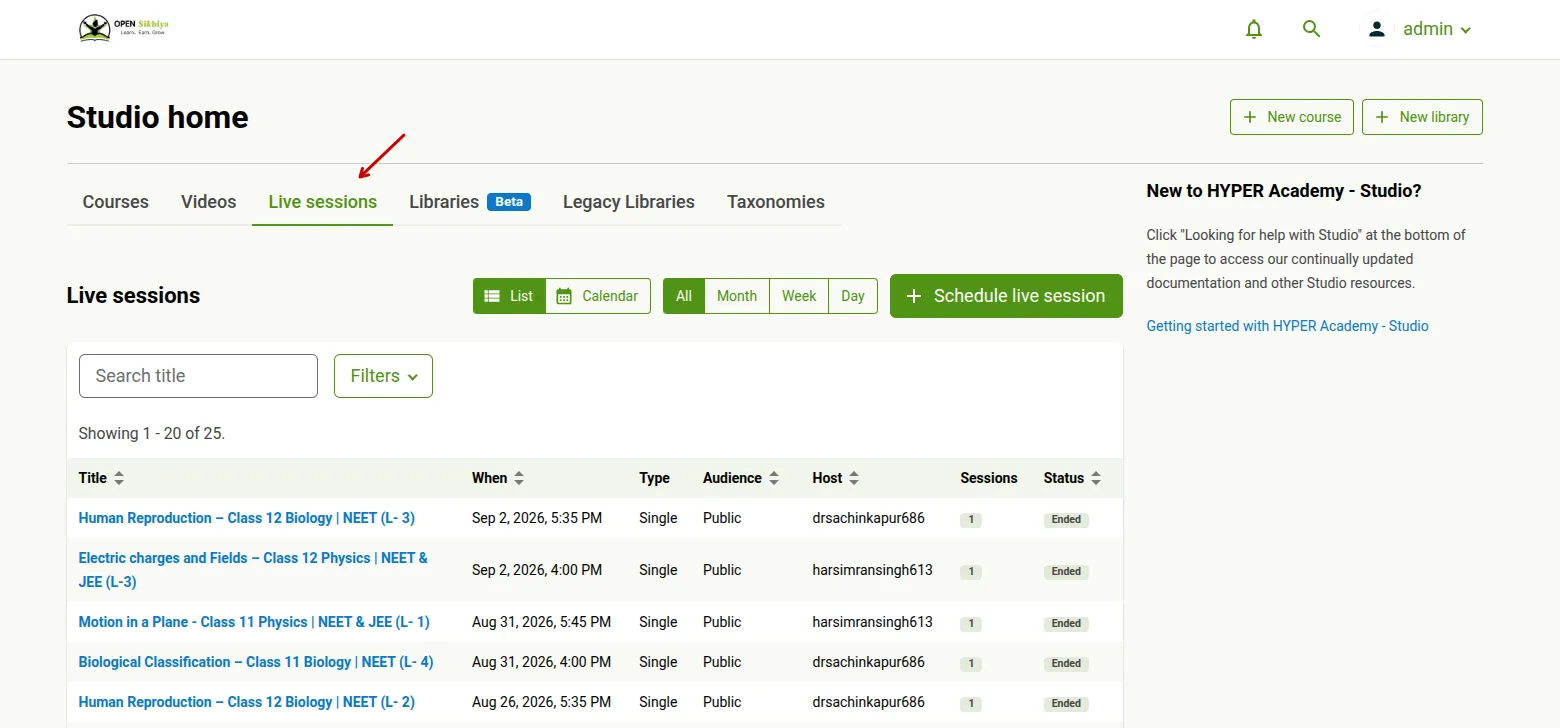
The form is one page, in seven sections. Only Basics, When and Audience need your attention for a simple class; the rest have working defaults.
Basics
Section titled “Basics”Give the class a title and description.
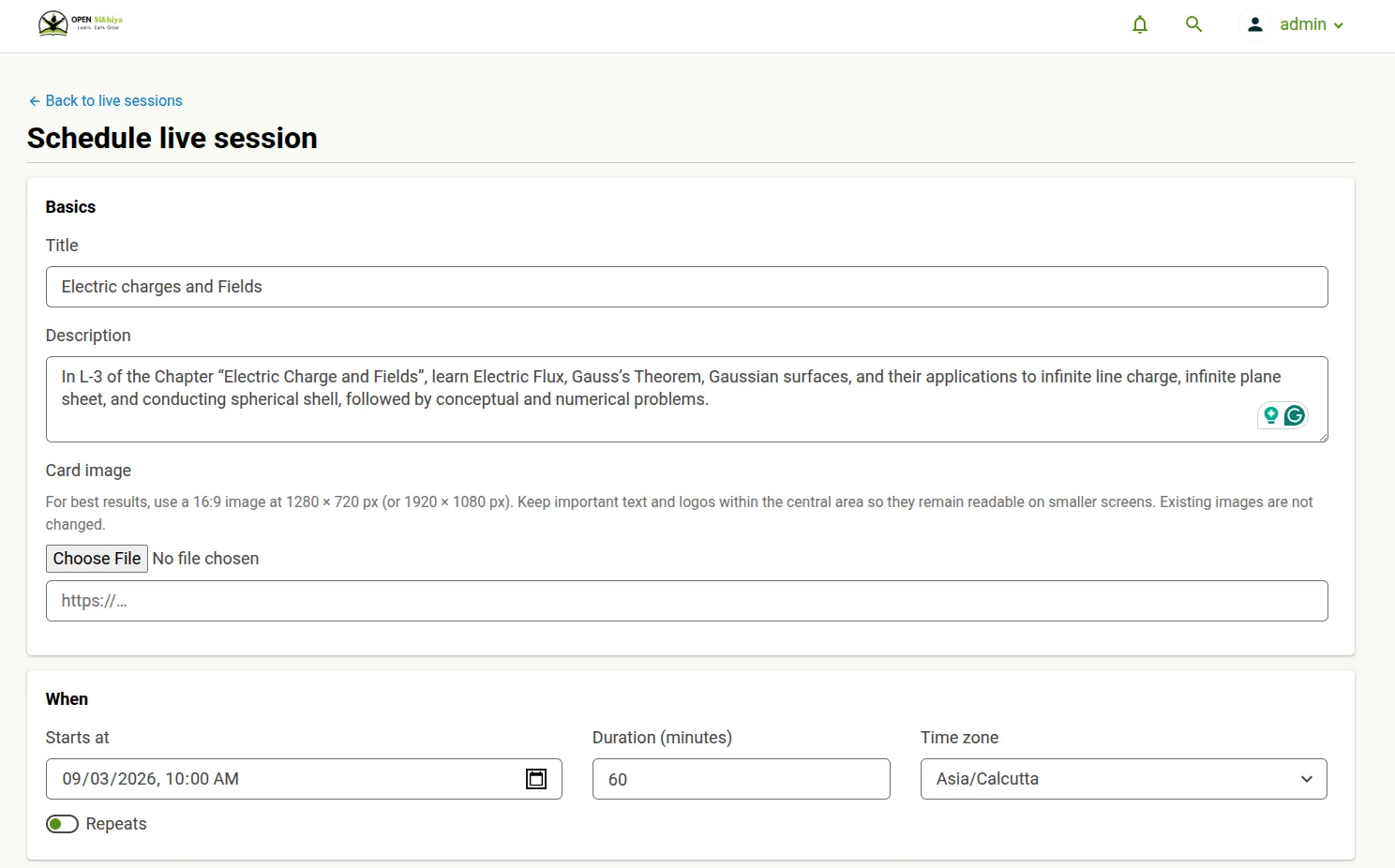
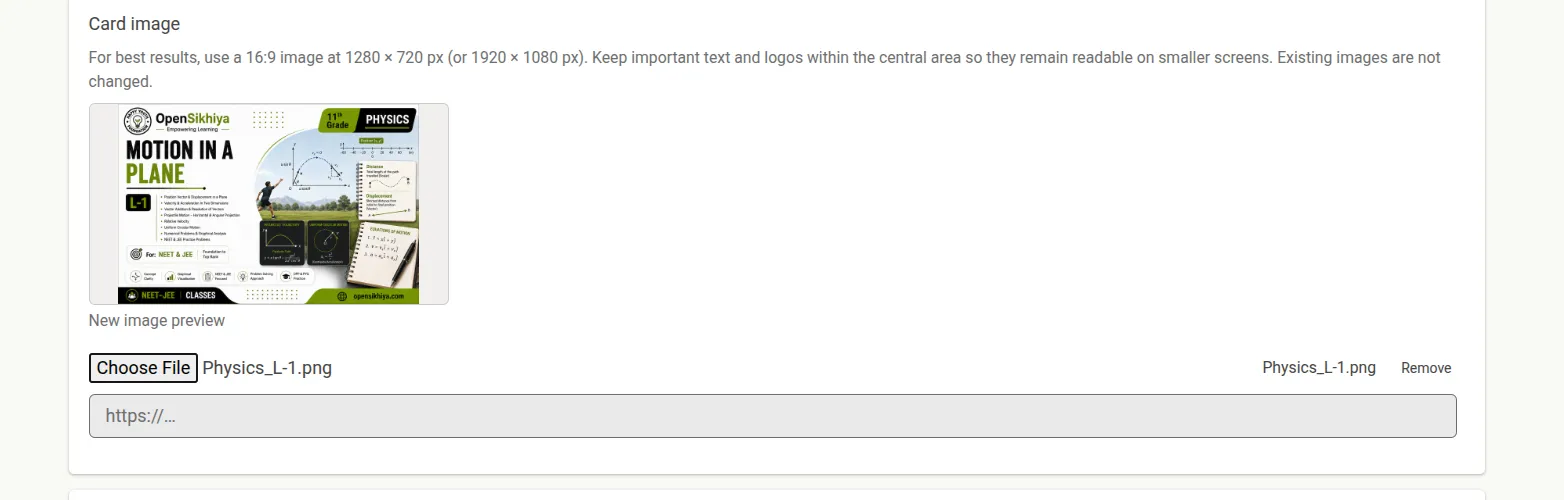
The card image is what learners see in the catalogue. For best results use a 16:9 image at 1280 × 720 px (or 1920 × 1080 px), and keep important text and logos in the central area so they stay readable on small screens. Changing this setting later does not alter images already uploaded.
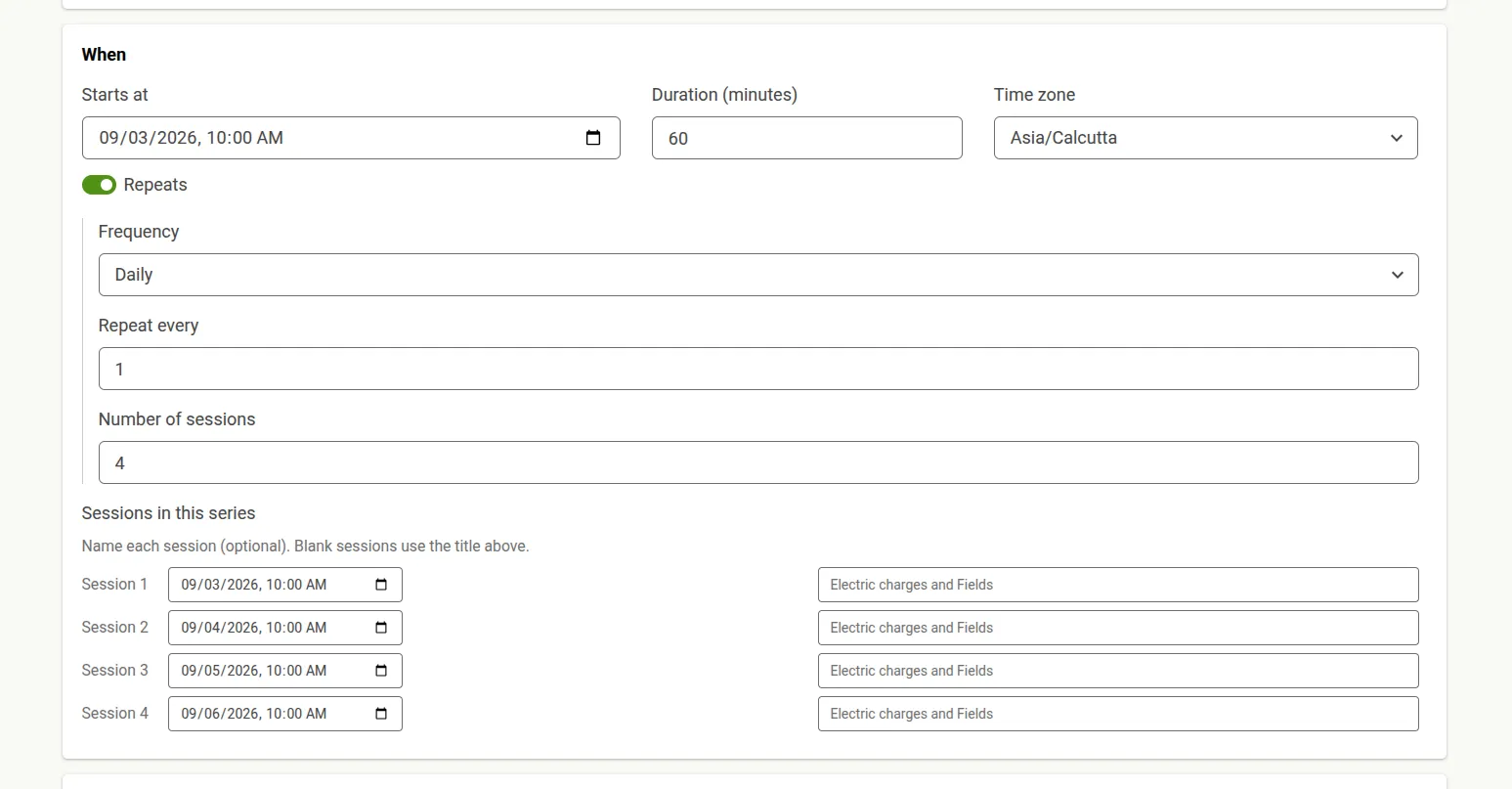
Set Starts at, Duration in minutes, and the Time zone the class is authored in. Learners always see the class in their own local time.
Turn on Repeats for a series. Choose a frequency of daily, weekly or monthly, how often it repeats, which days it runs on, and the number of sessions. The Sessions in this series list then previews every occurrence, and you can give individual sessions their own titles — anything left blank uses the title above.
Audience
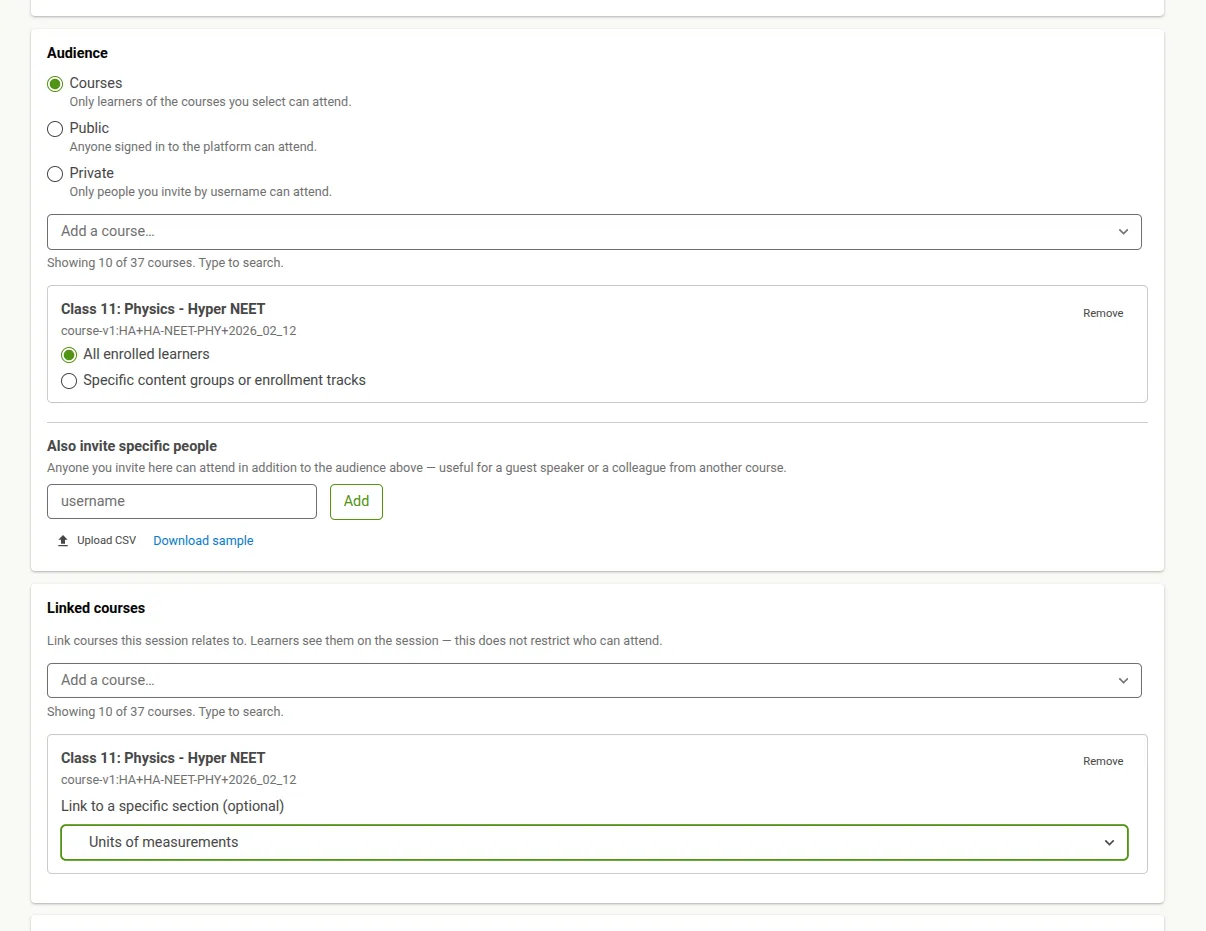
Section titled “Audience”The audience decides who can attend:
- Courses — only learners of the courses you select. Narrow this to specific content groups or enrollment tracks, or leave it at all enrolled learners.
- Private — only people you invite by username.
- Public — anyone signed in to the platform.
If the audience is larger than your Zoom plan allows in one meeting, the form says so before you schedule. Everyone can still be invited — but not everyone may get in if they all join at once.
You can also invite specific people on top of the audience, which is useful for a guest speaker or a colleague from another course. Add them by username or email, or upload a CSV. After the class exists, manage these on the Invitees tab.
Linked courses
Section titled “Linked courses”Linking a course is descriptive only. Learners see the linked courses on the session page, and you can link a specific section — but linking does not change who is allowed to attend. Access comes from the Audience section above.
Host & Zoom account
Section titled “Host & Zoom account”Leave Host blank to host the class yourself, or name another user — that person is the one who can start the room.
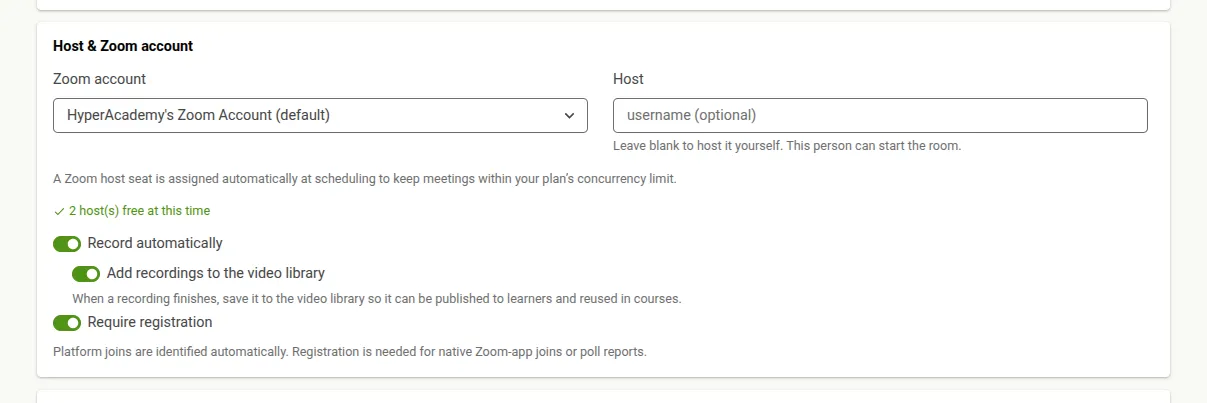
As you pick a time, the form checks host availability and tells you how many hosts are free. Two messages are worth acting on:
- No host is free at this time. Try another time or another Zoom account.
- Only a limited host seat is free. You can still schedule, but the class will have no cloud recording, no registration, and a time limit. Pick another time or account if you need any of those.
A Zoom host seat is assigned automatically when you schedule, to keep the class within your plan’s concurrency limit.
Three options live here:
- Record automatically — starts cloud recording when the class begins. If the Zoom account’s plan cannot record to the cloud, the form warns that nothing will actually be recorded.
- Require registration — platform joins are identified automatically, so you only need this for joins from the native Zoom app, or for poll reports. It is available on paid Zoom plans only and is ignored elsewhere.
- Add recordings to the video library — saves each finished recording to the video library so it can be published to learners and reused in courses.
Meeting options
Section titled “Meeting options”Choose whether host and participant video start on, whether participants are muted on entry, and whether to use a waiting room. With a waiting room, learners wait until the host admits them instead of joining automatically — so the host must be present.
Polls (optional)
Section titled “Polls (optional)”Prepare polls now and launch them during the class without leaving the platform. Polls are available in every occurrence of a recurring series.
Each poll holds one or more questions. Answer types include single and multiple choice, and — where the Zoom account supports them — matching, rank order, short and long answer, fill in the blank and rating scales. Turn on Make it a quiz to mark correct answers so Zoom scores responses, or Collect answers anonymously. If advanced types are not enabled on the Zoom account, the form says so and offers single and multiple choice only.
Poll results appear on the Reports tab after the class runs.
Schedule it
Section titled “Schedule it”Select Schedule live session to create the class.
Reminders are not part of this form. Once the class exists, set them on its Reminders tab.